Practical Example: "How to Bake a Cake"

Imagine you want to create a video tutorial on baking a cake but you're stuck on the script, or how to title it for maximum views.

  1. Input: You enter "How to bake a chocolate cake" as the Subject and select "10 minutes" for Duration.
  2. Selection: You choose to generate a Video Script, Title, Description, and Thumbnail Ideas.
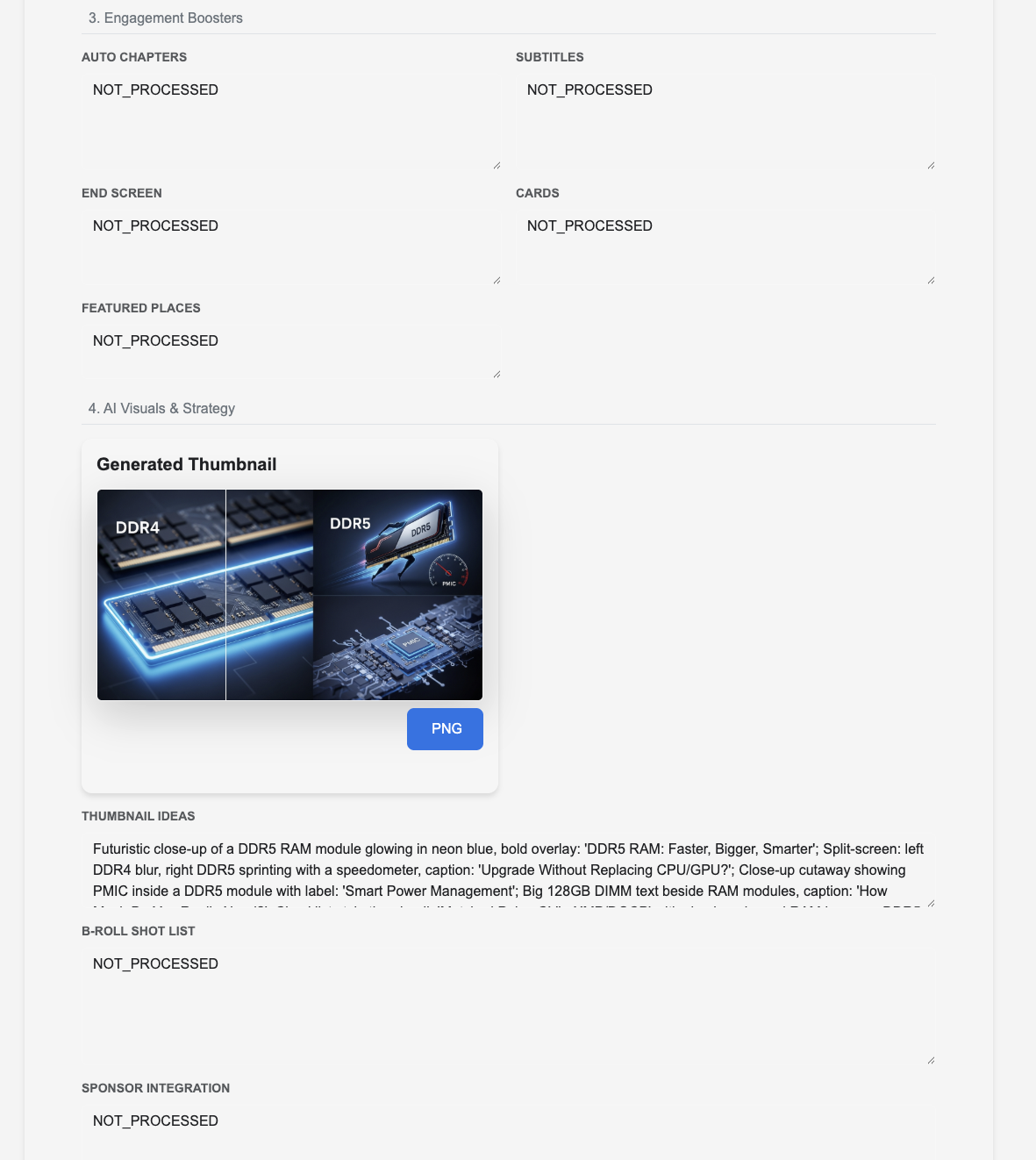
  3. Generation: The AI analyzes top-performing content and generates a word-for-word script, catchy titles (e.g., "The Ultimate Chocolate Cake Recipe in 10 Mins!"), SEO-optimized description, and visual concepts for your thumbnail. (Note: Processing takes ~30s-2m per field)
  4. Result: You receive a complete "Upload Package". You can now record your video using the script and use the provided metadata when you upload to YouTube.
    Output Example 1
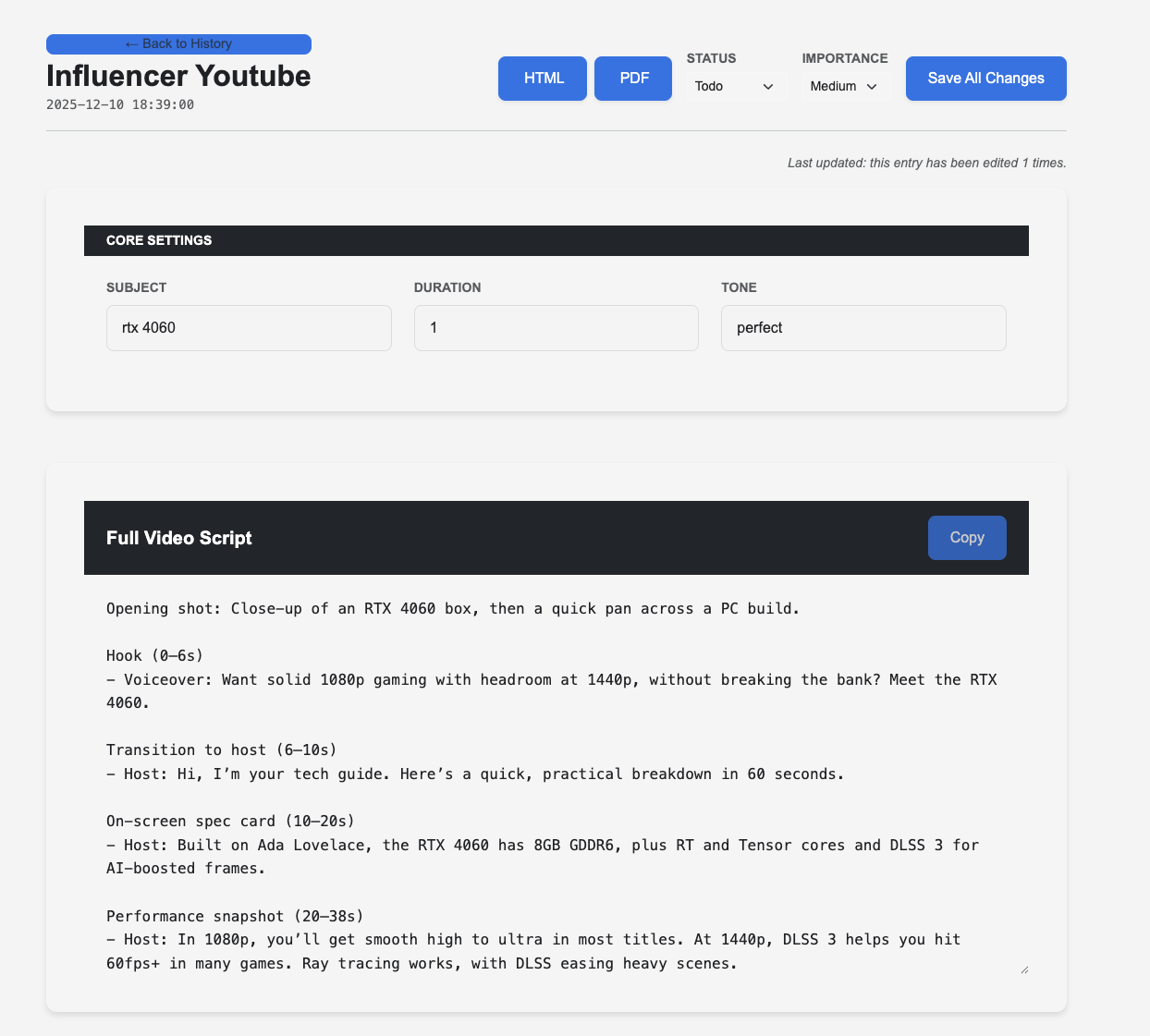
    Script Generation
    Output Example 2
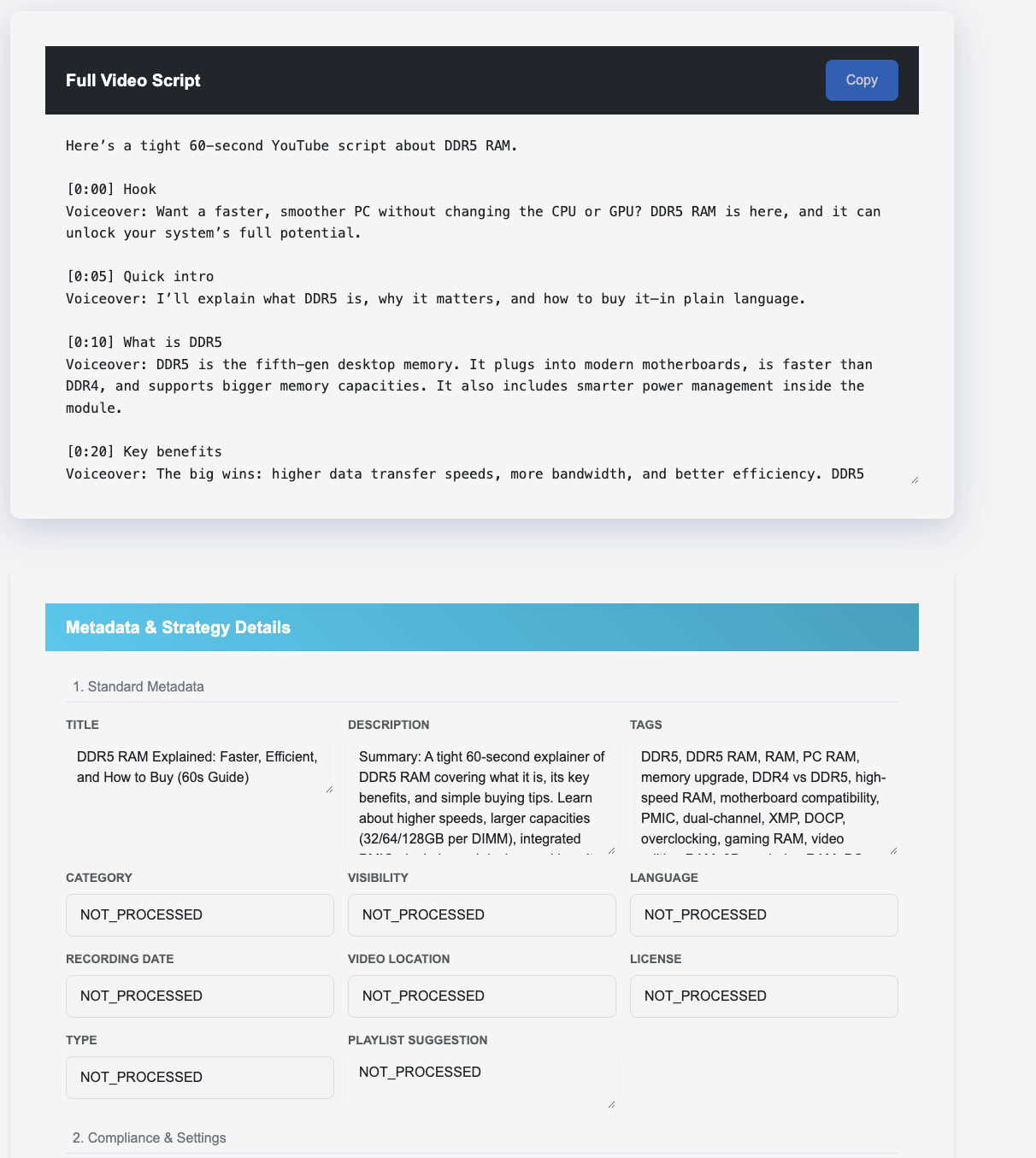
    Metadata Analysis
    Output Example 3
    Strategy & Visuals
Tip: Use the "Tone" setting to match your channel's style—whether you want a professional, educational vibe or a fun, casual one.

Field Reference Guide

Core Inputs

Subject
The main topic or title idea for your video. Be specific for better results (e.g., "iPhone 15 Review" vs "Phone").
Duration
Target length of your video. This guides the AI on how long the script should be.
Tone
Controls the style of language used.
  • Perfect for YouTube: Engaging, high-retention style.
  • Basic: Simple, clear, and direct English.
  • Hard/Advanced: Technical, detailed, and sophisticated vocabulary.
1. Standard Metadata
  • Video Script: Full spoken script for the video.
  • Title: SEO-optimized, click-worthy titles.
  • Description: Complete video description with key phrases.
  • Tags: Relevant searchable tags.
  • Category: Best YouTube category setting.
  • Visibility: Recommendation on publishing strategy (Public/Premiere).
  • Language: Language setting for the video.
  • Recording Date: Today's date (formatted).
  • Video Location: Where the content is relevant (or 'Global').
  • License: Standard YouTube License vs Creative Commons.
  • Type: Content classification (How-to, Vlog, Review, etc.).
  • Playlist Suggestion: Ideas for playlists to add this video to.
2. Compliance & Settings
  • Audience: "Made for Kids" compliance check.
  • Age Restriction: Recommendation on if age-gating is needed.
  • Paid Promotion: Checkbox text if you have a sponsor.
  • Altered Content: AI disclosure settings.
  • Caption Certification: Standard US TV certification setting.
  • Copyright Check: Pre-upload checklist to avoid strikes.
  • Shorts Remixing: Permissions for others to remix your content.
  • Comments: Moderation settings recommendation.
  • Show Likes: Whether to display like counts publicly.
3. Engagement Boosters
  • Auto Chapters: Timestamps for key sections in the video.
  • Subtitles: Advice on uploading custom caption files.
  • End Screen: Suggested videos/playlists to link at the end.
  • Cards: Interactive info cards to pop up during the video.
  • Featured Places: Location tags if applicable.
4. AI Visuals & 5. Repurposing
Visuals
  • Thumbnail Ideas: Concepts for creating a high-CTR thumbnail.
  • B-Roll Shot List: Timeline of visual footage to cover the script.
  • Sponsor Integration: Seamlessly weave a sponsor ad into your script.
Repurposing (Social Media)
  • Shorts Scripts: 60-second versions of your main topic.
  • LinkedIn Script: Professional video version for LinkedIn.
  • Twitter/X Post: Tweet concept with image idea.
  • Instagram Post: Caption and image concept for IG.
  • LinkedIn Post: Text-based post to share the video.

Ready to create?

Go to Assistant